
Check the status of your application
If the Home Office has any queries, they will contact you by email. These emails often end up in your spam or junk folder – please check these folders regularly. The sender is always “home.office.atlas@notifications.service.gov.uk” and the subject line is always “Application Update”. If necessary, search your inbox specifically for these terms.
View and Prove: To check whether the visa has already been granted, please use the link “View and Prove your immigration status” and log in using the applicant’s login details.
After approval: As soon as the visa has been granted, you will receive another email from home.office.atlas@notifications.service.gov.uk Please:
- Forward the confirmation email to the boarding school’s Admissions Office.
- Go to View and Prove your immigration Status, generate a “Share Code” there and send this to the Admissions Office as well.
Templates and downloads
- Template: ‘Parental Letter of Consent to Apply for a Child Student Visa’
- Template: ‘Parental Letter of Consent to Travel’
- Template: ‘Guardian Letter of Undertaking’
- Checklist: ‘Child Student Visa Application’
- Overview of the visa application steps
- Applying for a Child Student Visa – The first steps
- List of all questions regarding the ‘Child Student Visa’
- Help with completing the ‘Living Arrangements’ form
- Help with completing the IHS Questionnaire
- Explanation of ‘Evidence of Finance’
- Transferring the visa to a new passport
- Translation of the Birth Certificate
- Webinar presentation: ‘How to apply for a child student visa’
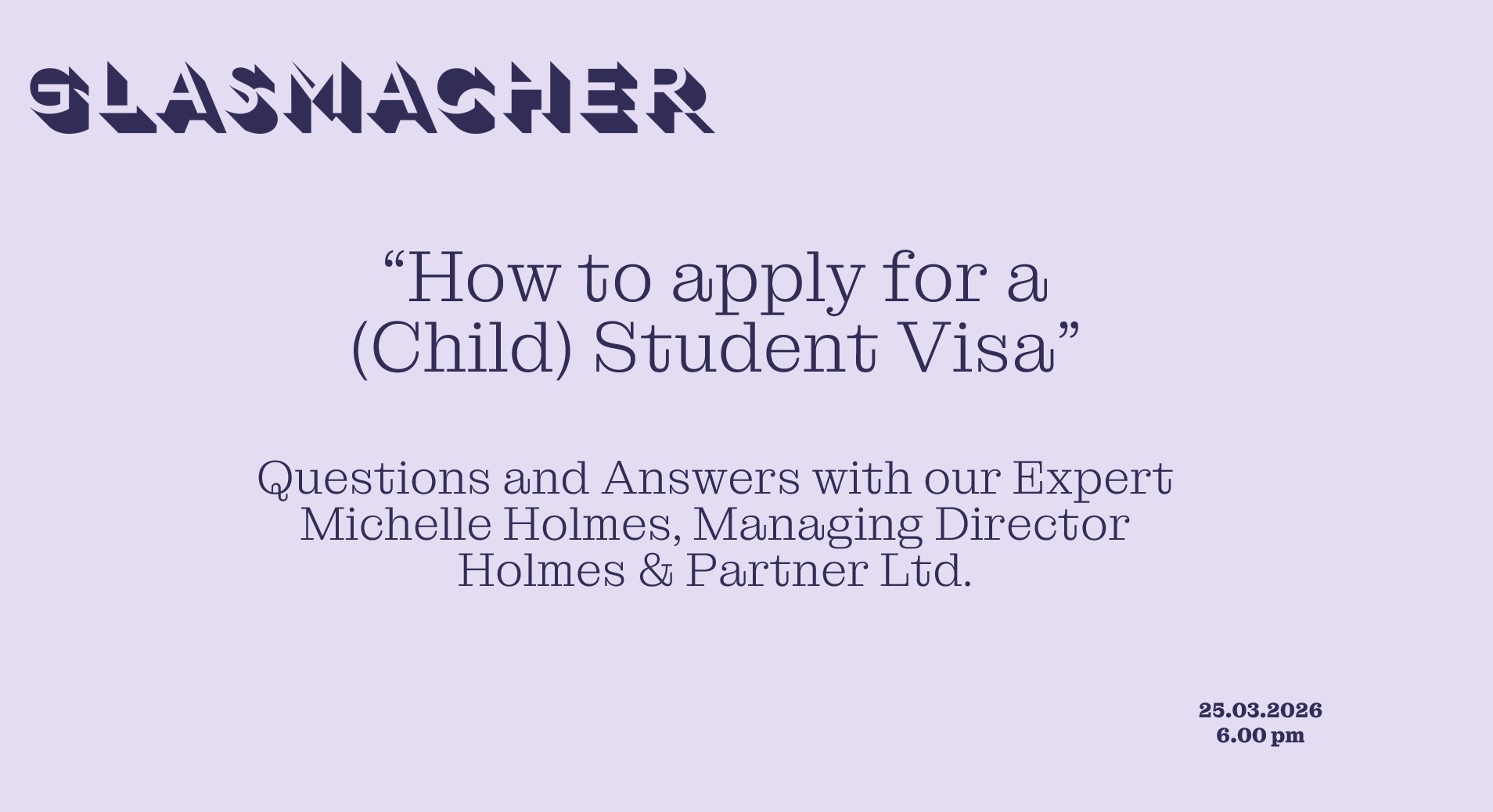
"How to apply for a Child Student Visa"
In our webinar on 2 April 2025, our speaker Michelle Holmes, a solicitor specialising in immigration law, will explain the Child Student Visa and guide you step by step through the application process.